Spinning Up Windows Server 2022
Friday, August 1, 2025 | By Michael Banks
Project Goals:
- Create a Windows Server build from scratch, in VirtualBox, to include Active Directory, DNS, DHCP and routing through the Domain Controller.
-
Create a Client PC and bind it to the domain
-
Establish internet connectivity for the DC and Client
VM Configs & Image Installation
VirtualBox + Windows Server ISO
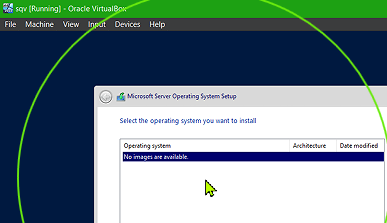
Error at Windows installation
'no images are available'
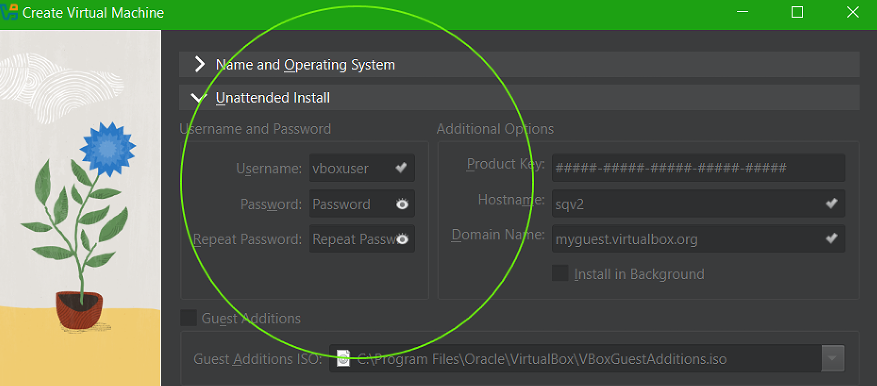
 VBox Config:
--Unattended Install enabled
--Windows Product Key entered in the UA config:
Research:
Error resulted from Product Key being entered at VBox unattended install.
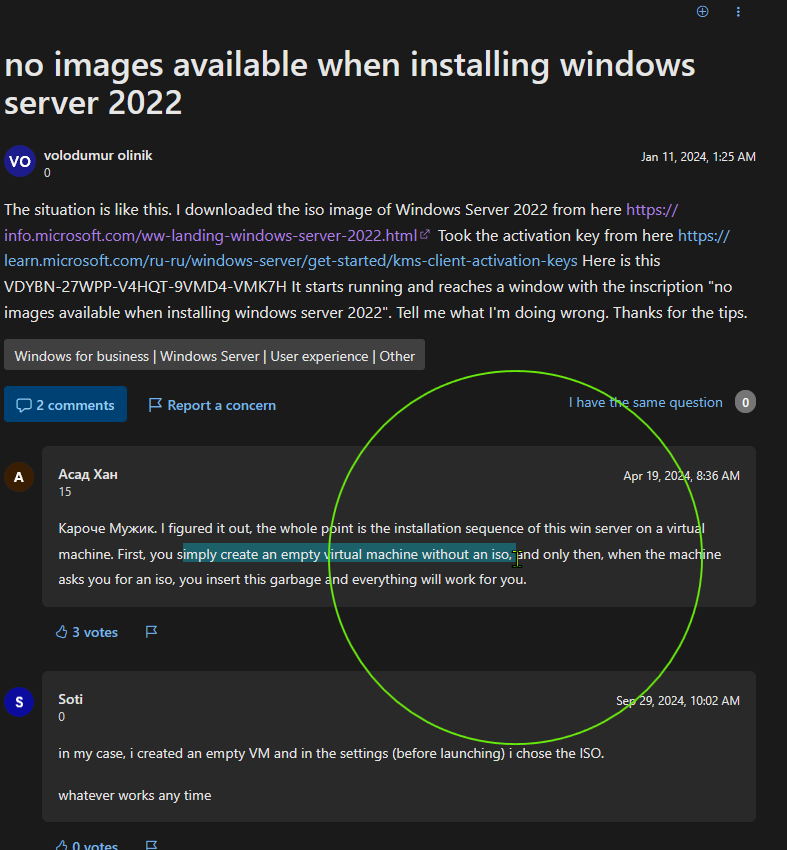 https://learn.microsoft.com/en-us/answers/questions/1488371/no-images-available-when-installing-windows-server
Solution:
https://learn.microsoft.com/en-us/answers/questions/1488371/no-images-available-when-installing-windows-server
Solution:
Recreated VM with
--blank configs for Unattended Install (i.e. disabled)
--no product key entered
--VM name: Sqv2
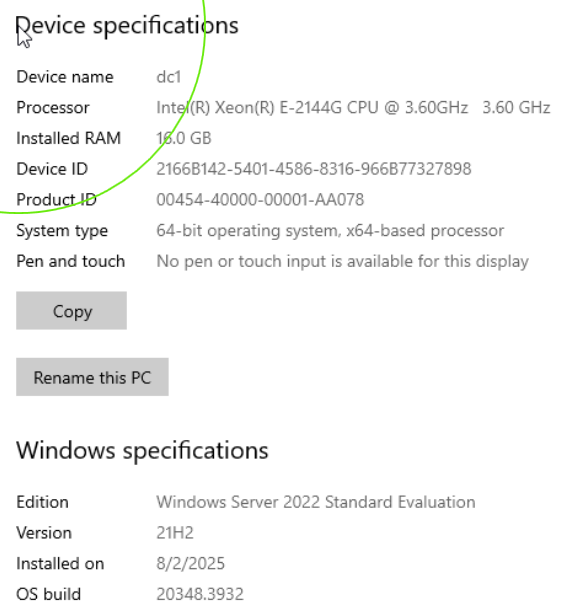
--Change Server PC name to “DC1”
--Windows Server 2022 is installed + Windows Updates
Server OS is live
Sidenote- the OS activated itself, likely due to having the key entered into Unattended Install during the first attempt.
Installing Server Roles
Starting with Active Directory Domain Services (ADDS)
Issue: Server needs a static IP
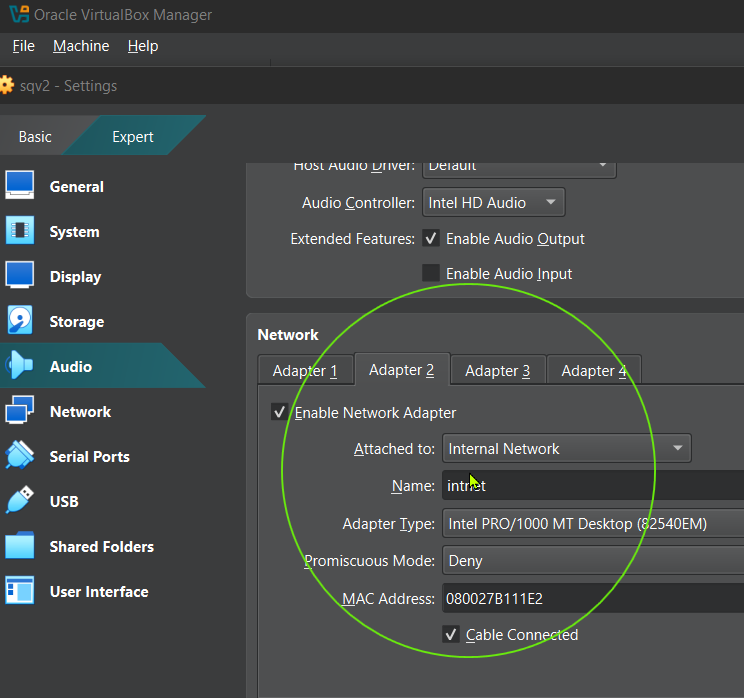
Presently, there's only the DHCP-issued IP from VBOX switch. That needs to stay in place for access to the internet. To accomodate the required static IP:
--Shut down the server. This allows the Virtual Box config to access it.
--Add second NIC to the server.
--Assign the static IP there.


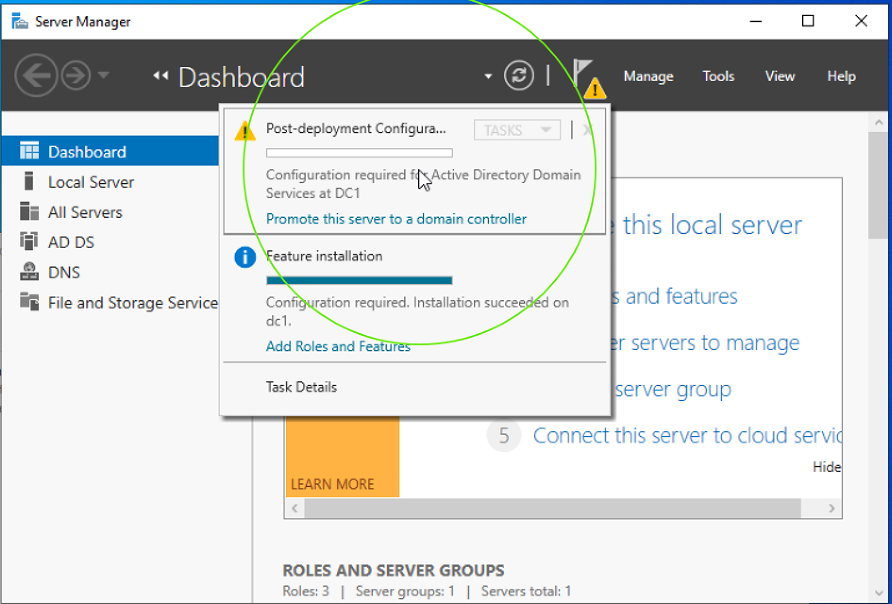
The ADDS install succeeded..
Including defaults:
--Group Policy Management
--DNS Server
--RSAT - includes Powershell modules


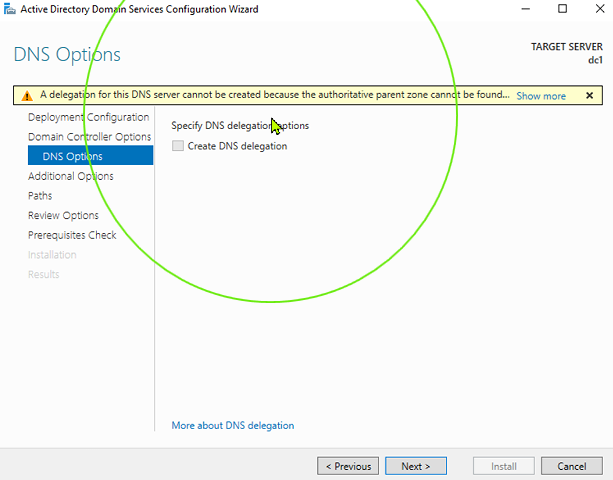
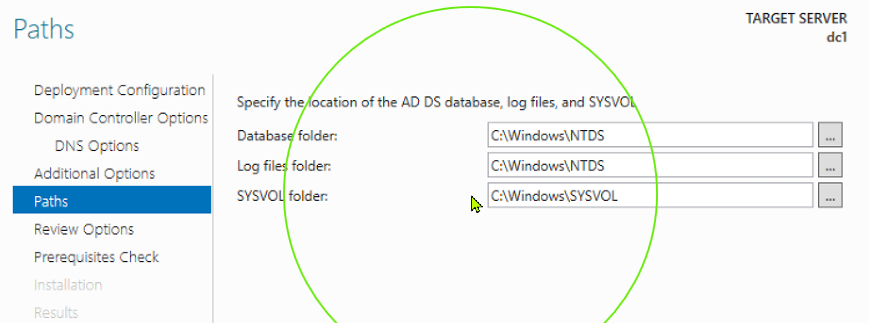
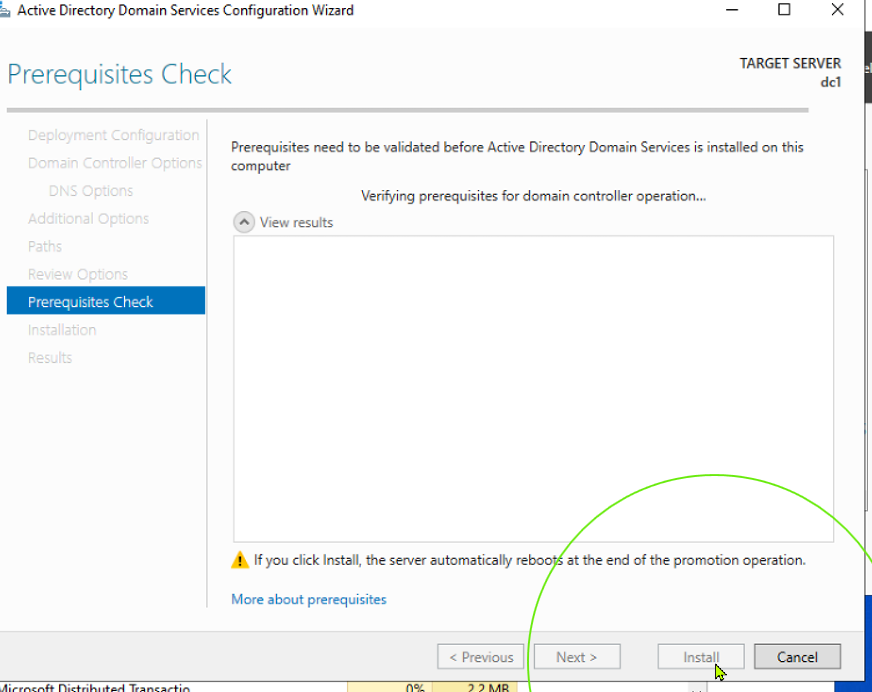
Promoting the server to Domain Controller - Establishing the AD Forest and Domain
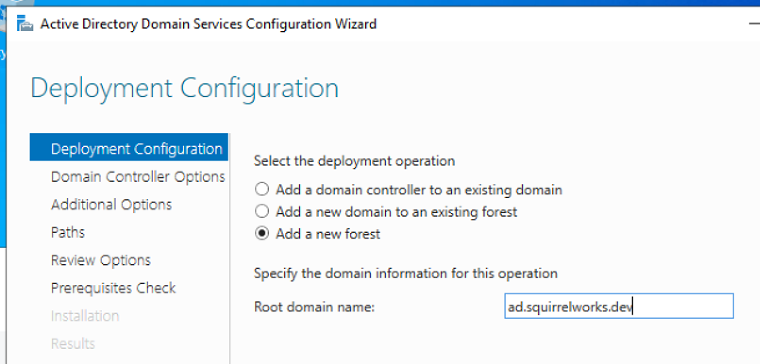
We are adding a new Forest
This is the first Domain Controller in that new Forest.
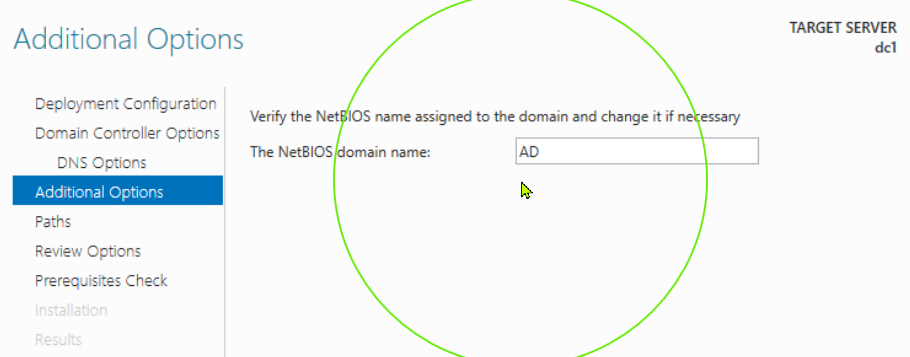
--Forest name AD.SQUIRRELWORKS.DEV
--Root Domain name AD.SQUIRRELWORKS.DEV
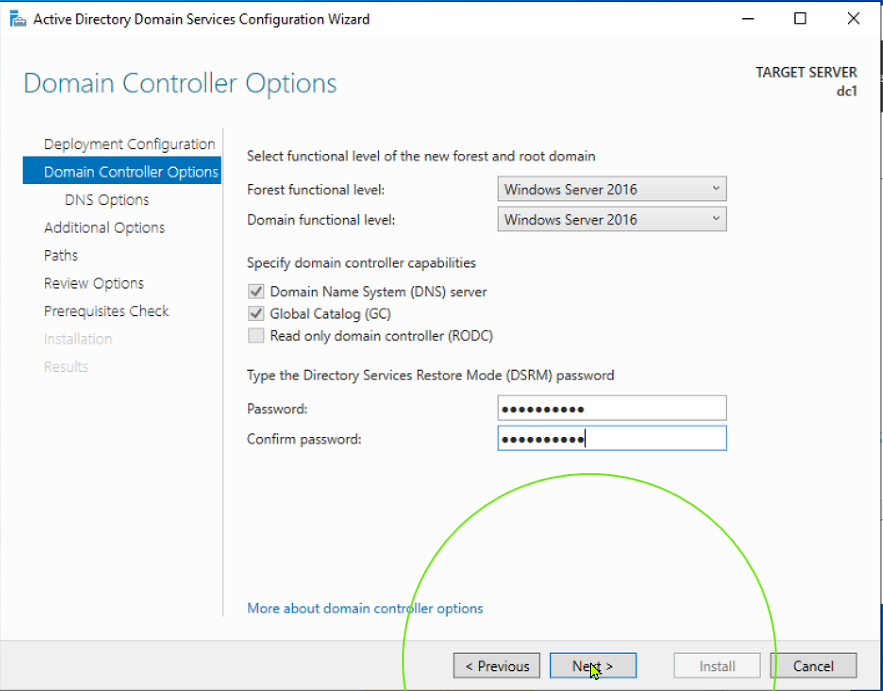
Functional Level, Forest and Domain, 2016 - the highest available.




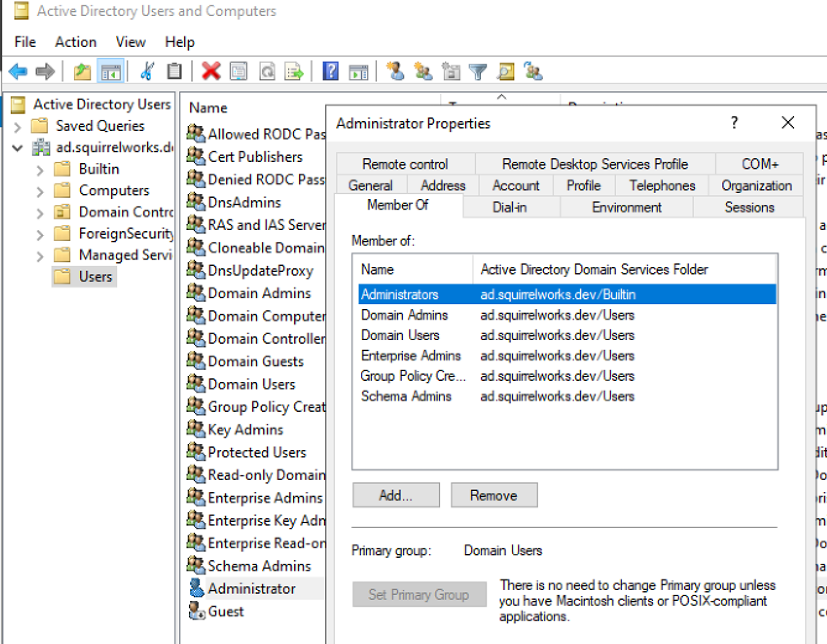
Showing the Default Users and Groups
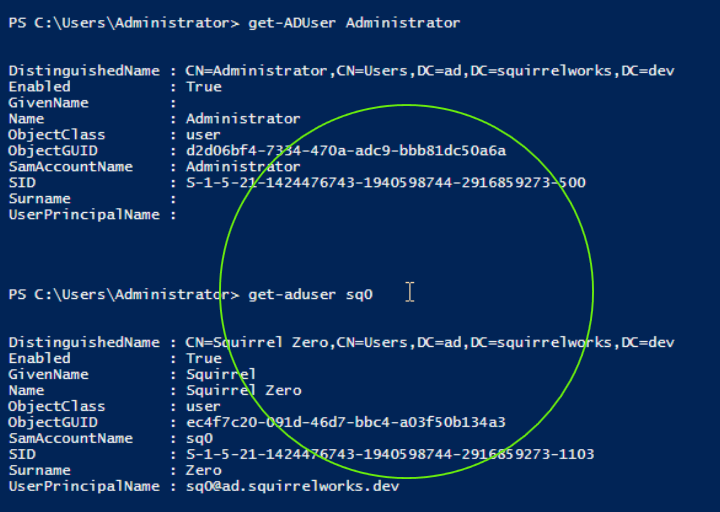
Creating a new user

Comparing the new user, Sq0, to Administrator, with get-aduser
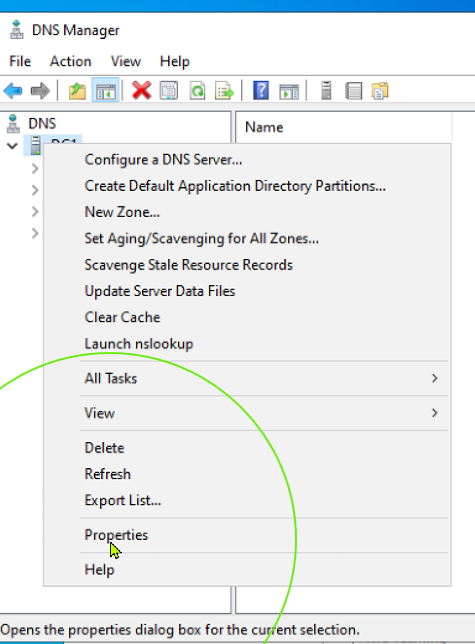
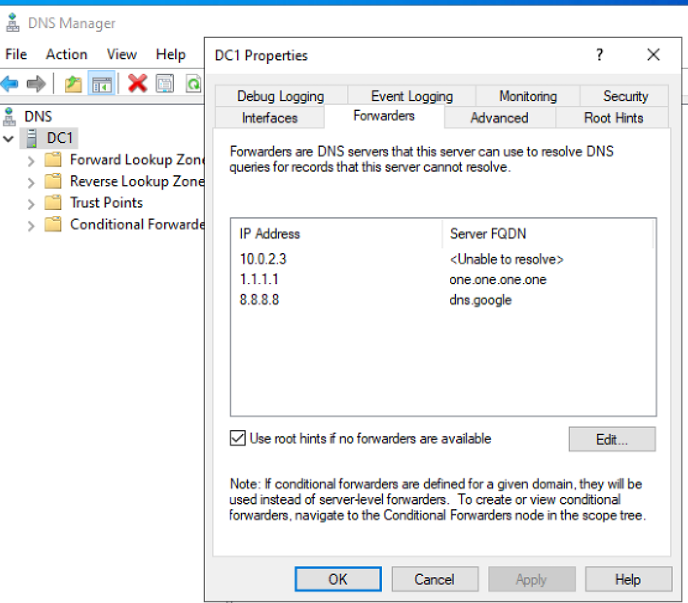
Looking at DNS
Forwarders > Picked up 1.1.1.1 and 8.8.8.8 that were previously set by me in the server's ipv4.
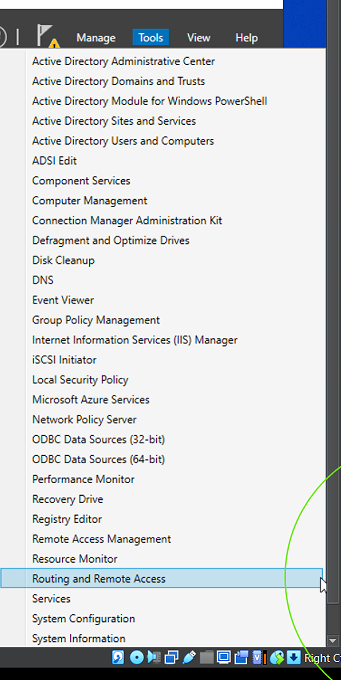
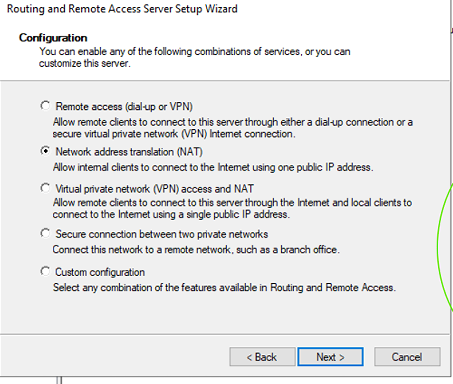
Adding the Remote Access role

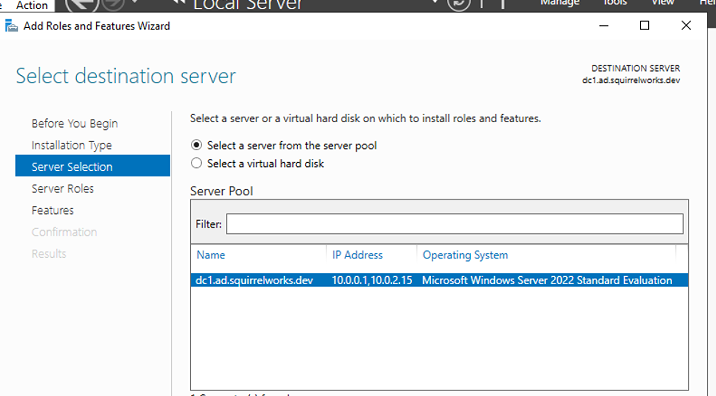
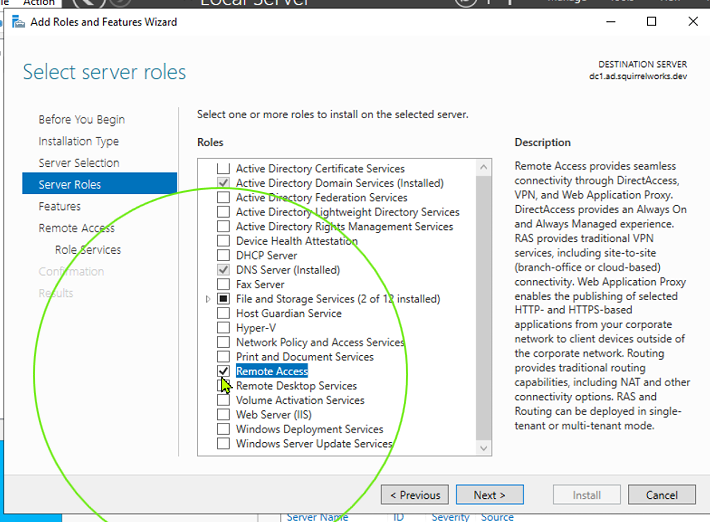
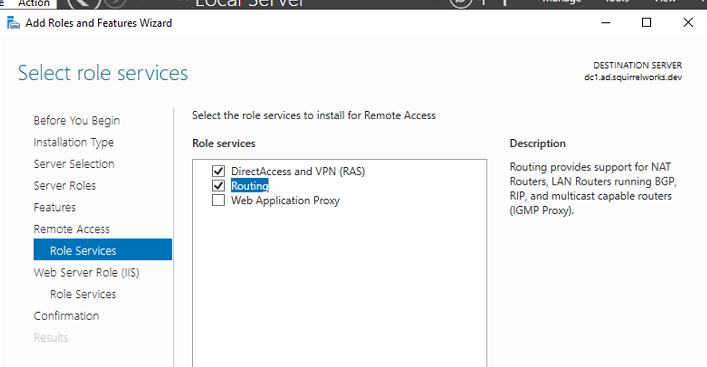
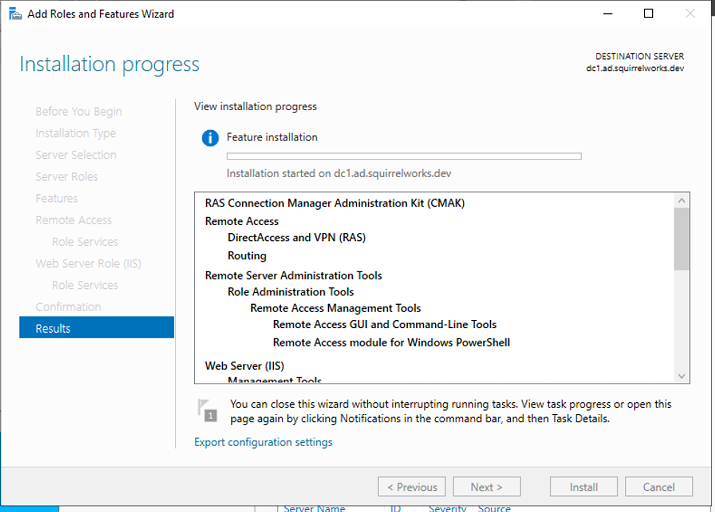
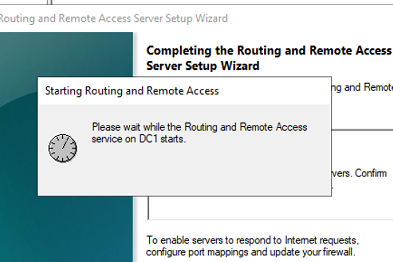
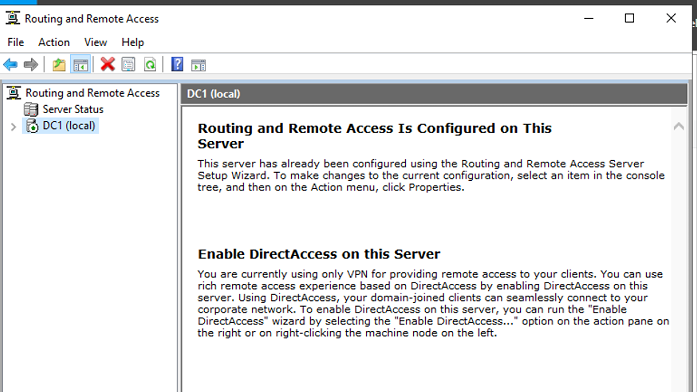
Enabling Remote Access



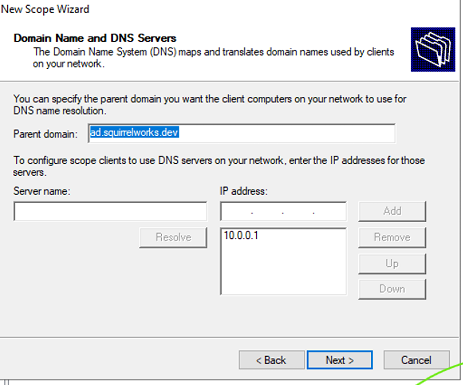
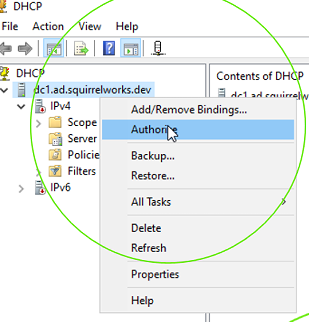
Adding the DHCP Server role
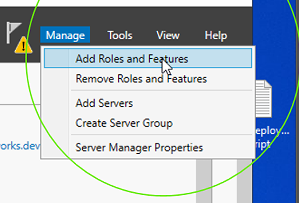


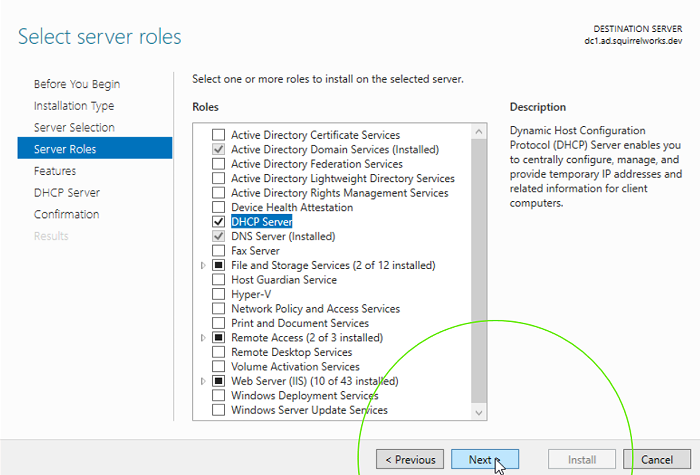

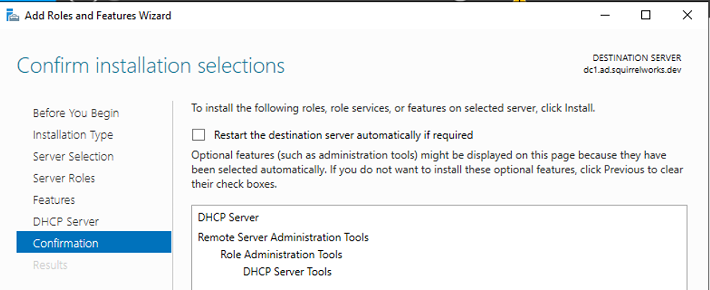

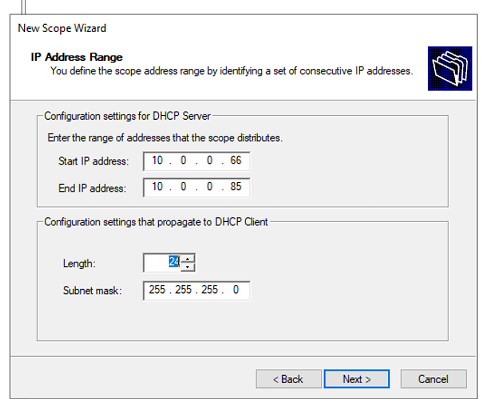
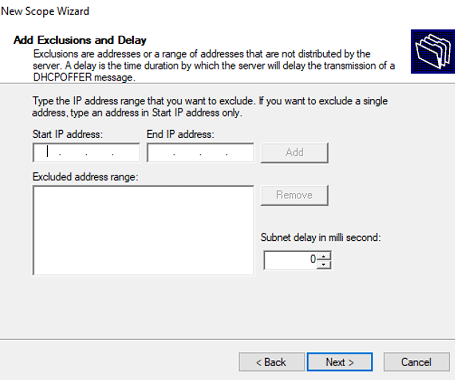
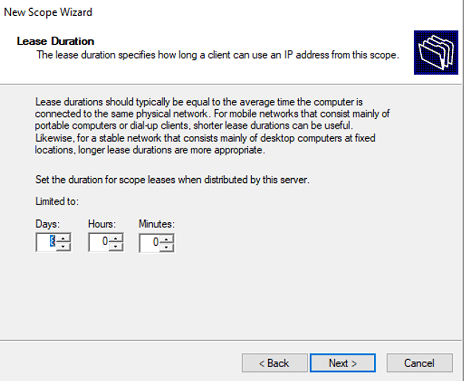
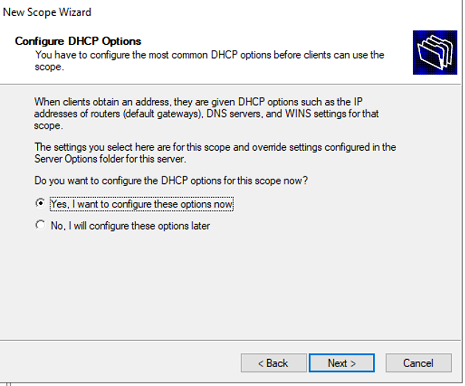
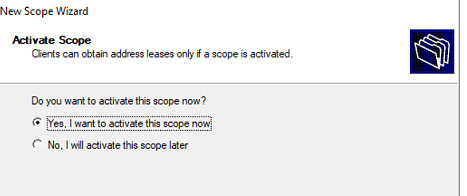
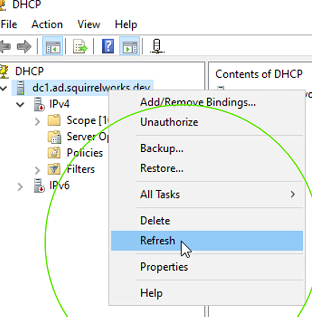
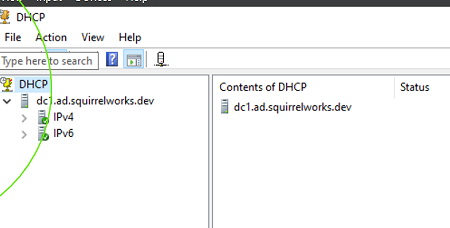
Configure and activate DHCP scope
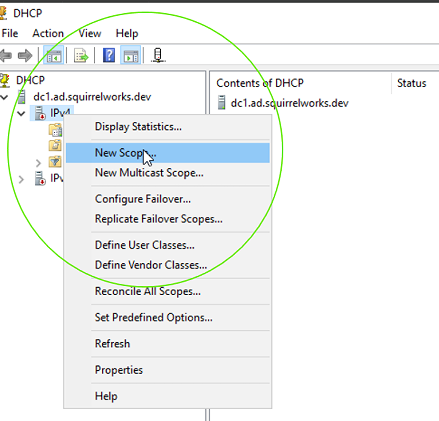


Creating a Client PC
--Adding a secondary NIC
--Confirming DHCP assignment

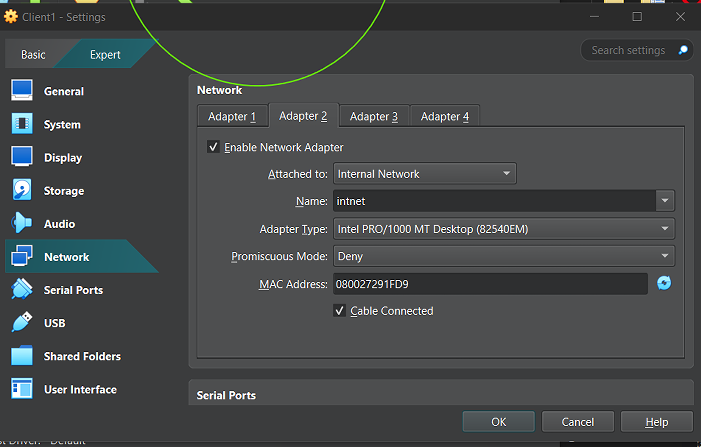
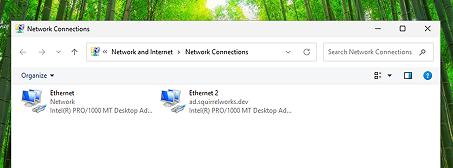
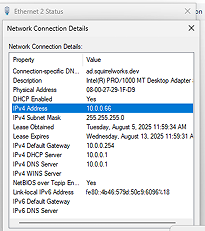
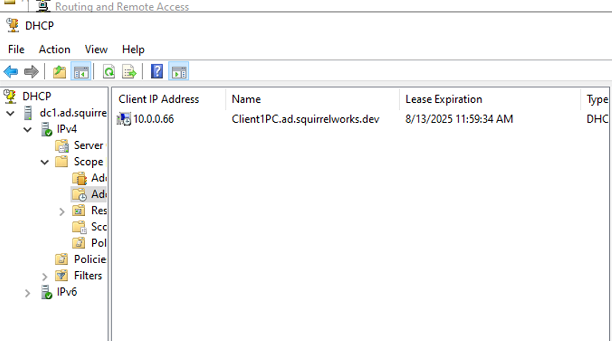
--Secondary NIC added in VBox interface, connecting to 'intent', the same LAN as server.
--From the server, DHCP assignment is confirmed for this client.
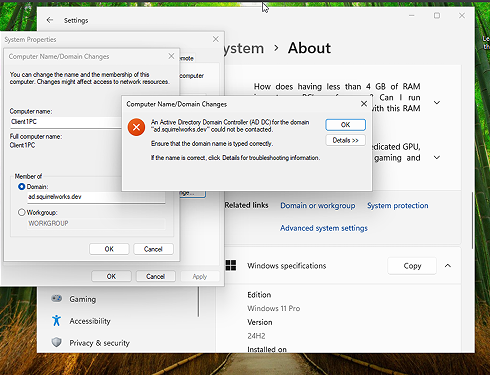
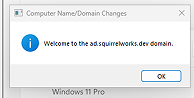
The bind succeeds.

IP toplogy